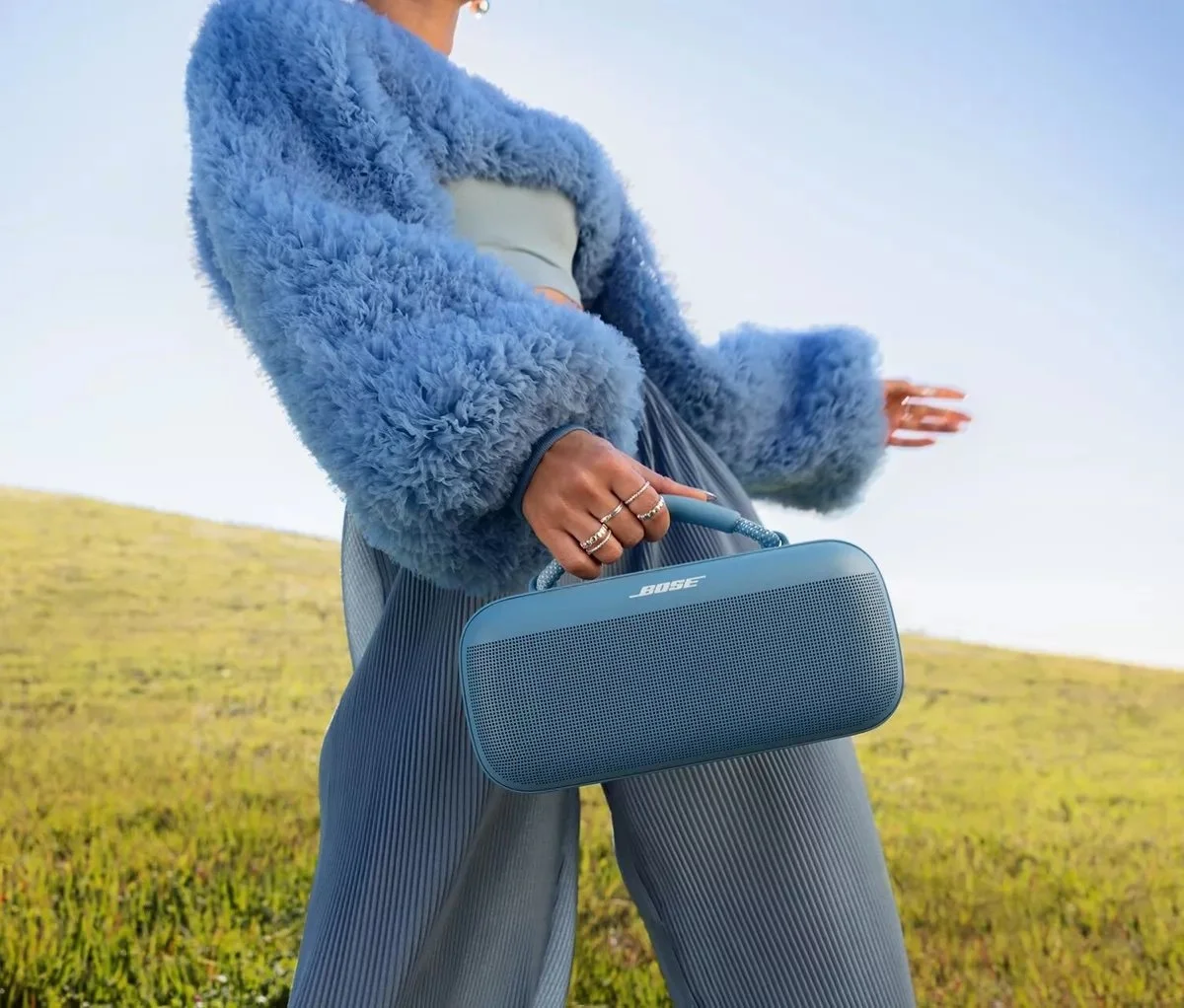
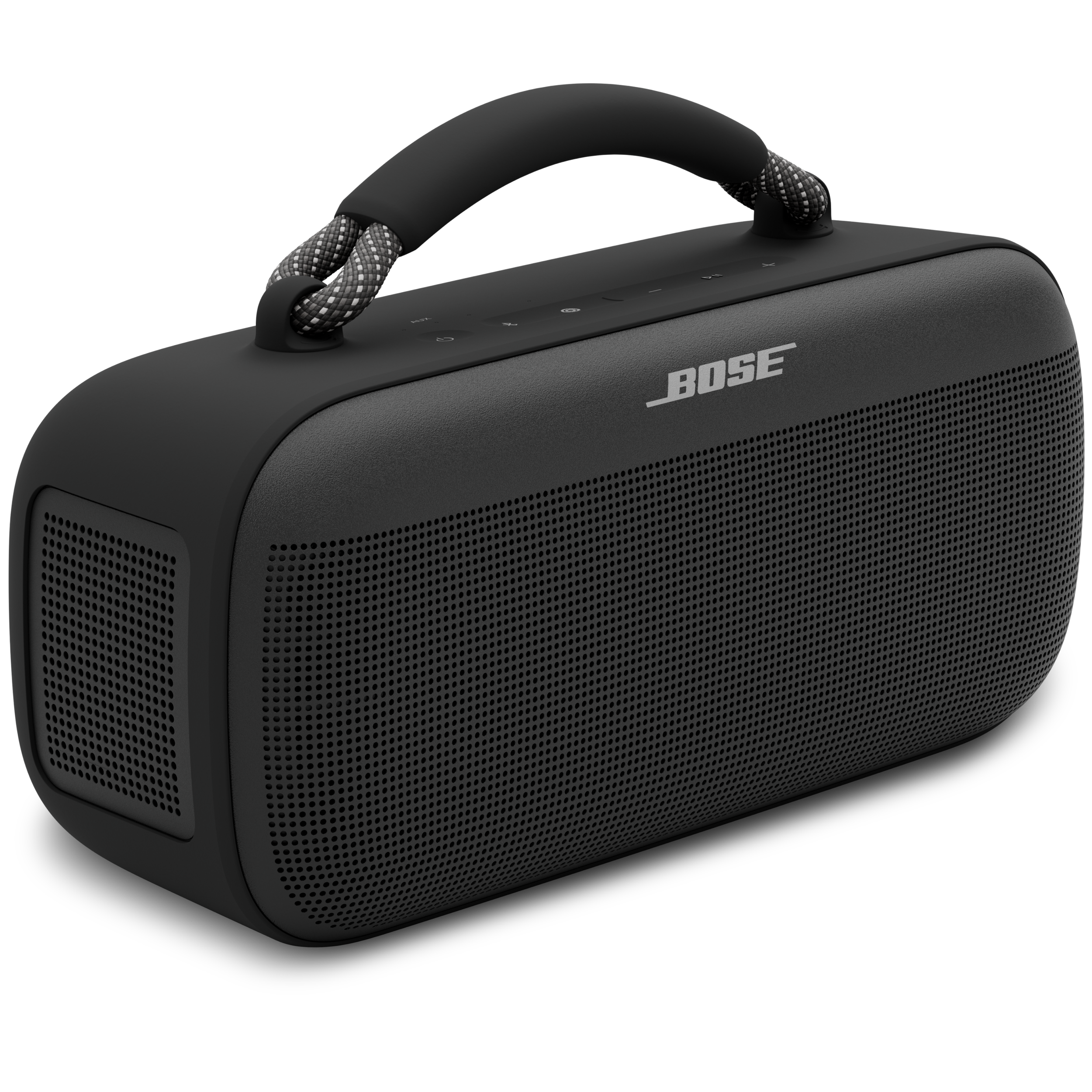
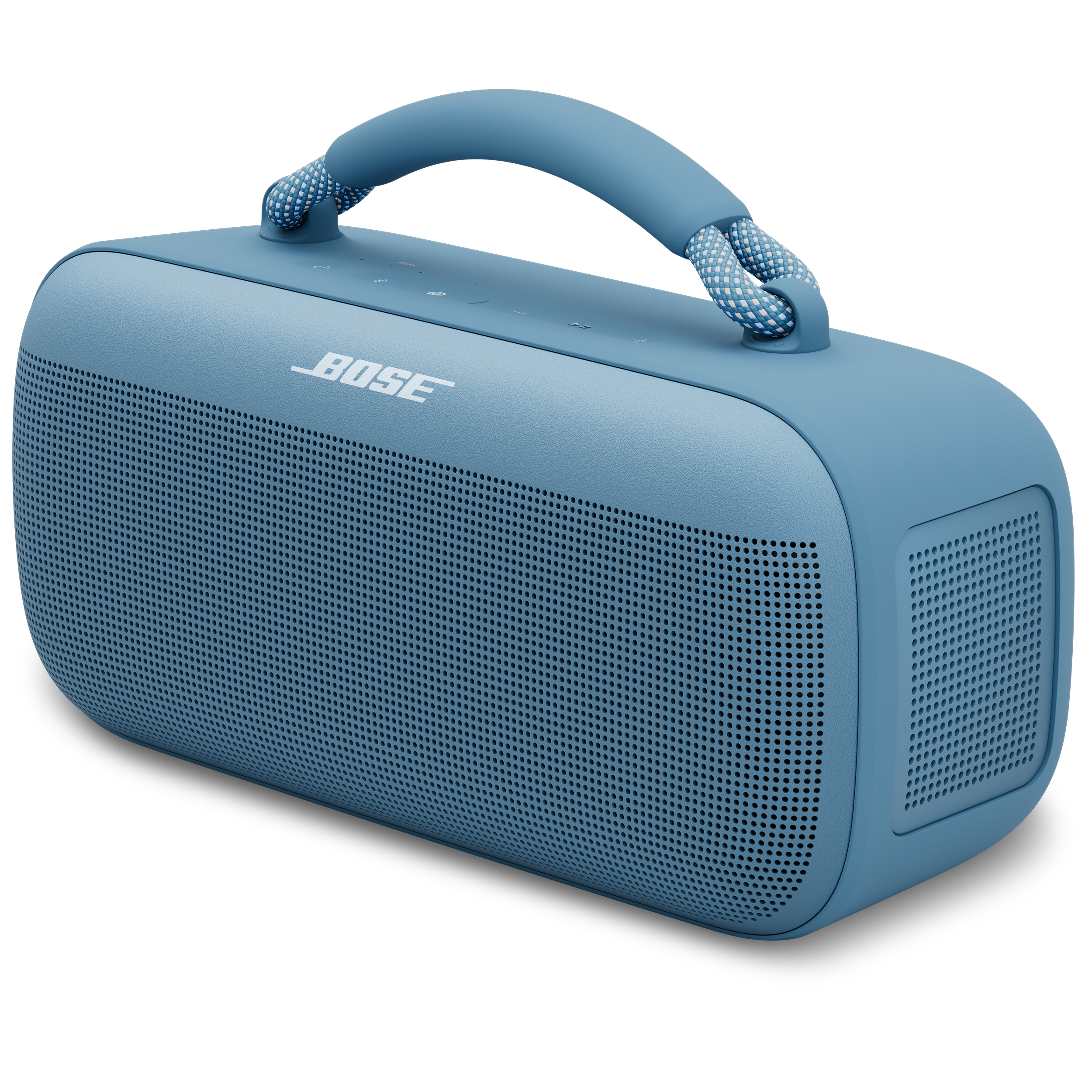
Bose SoundLink Max Portable Speaker
First and most powerful portable Bluetooth speaker in the newly revamped SoundLink family.
Team & Role
Team included: Me and UX Lead
My role:
I work across both software UX and hardware product UX including all things app as well as on product experiences and feedback.
Create all app screens with relation to the SoundLink Max (Out of Box, Product Controls, Settings).
Outline all in app product imagery and illustrations then work with illustrator and Marketing to deliver assets.
Work with development engineering team to test and review all implemented designs.
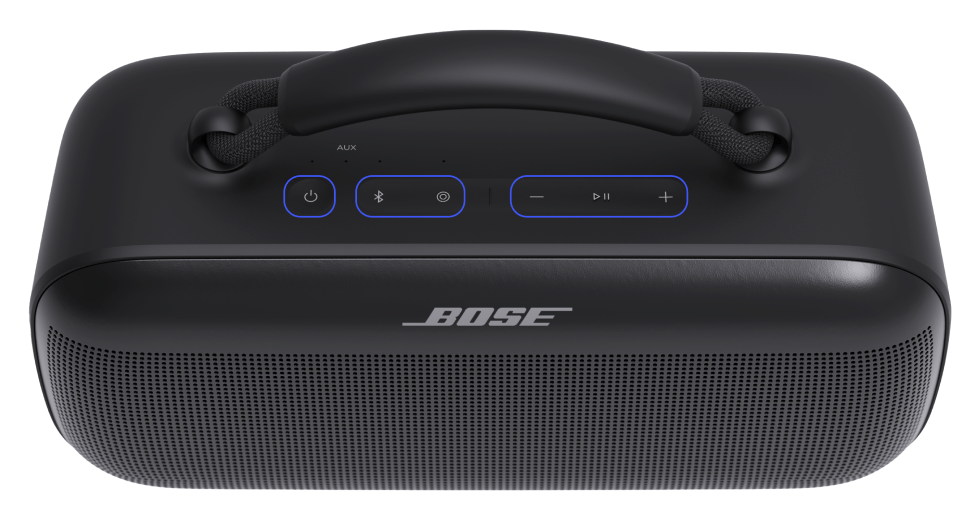
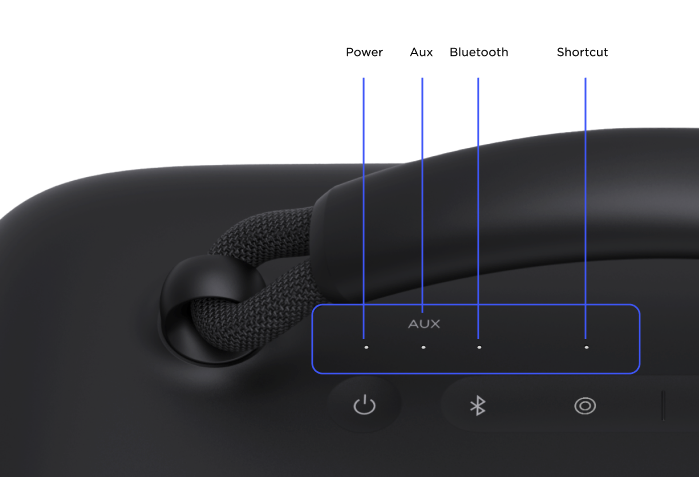
Design on product button icons, button layout, LED feedback, Voice Prompts, and charging / output ports.
Process
I started with this project when I first started at Bose. I took over as lead on this project 4 months from the start. I led design efforts from 0 to launch over the course of 20 months.
Problem to Solve
Create the best possible experience for SoundLink Max users - from the moment of receiving their product to a lifetime of use - as well as building a framework for all future Bluetooth speakers in the Bose app.
Initial Work
Starting with a market analysis of 5 major competitors and their 18 products that are similar to the specs of SoundLink Max, I created a sturdy framework of what features and functions we wanted. I worked with the Industrial Design team to determine button placement on the speaker, identify spacing, which buttons should have LEDs, and the sound and feel when you push the buttons.
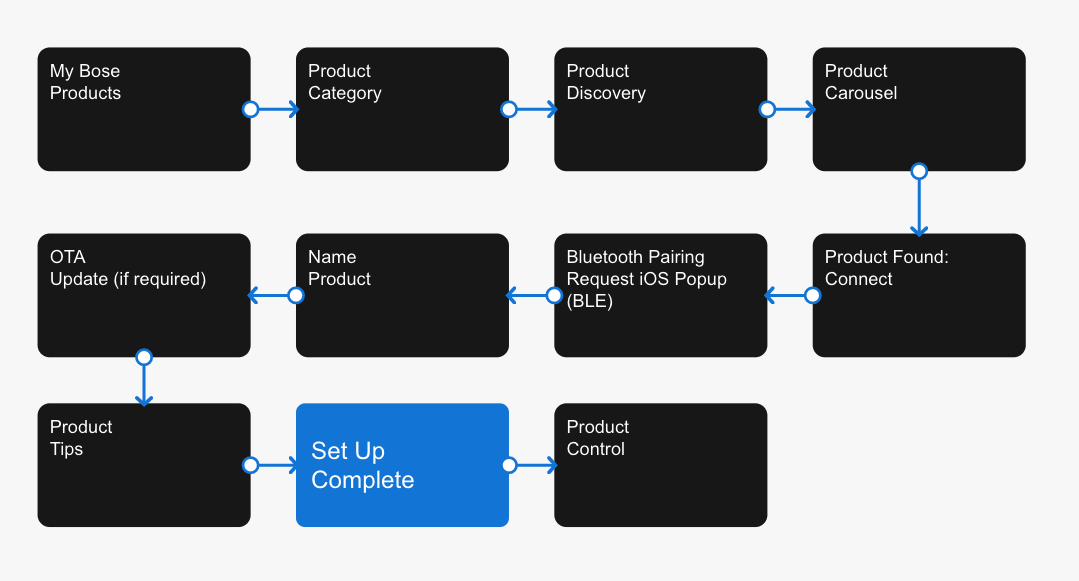
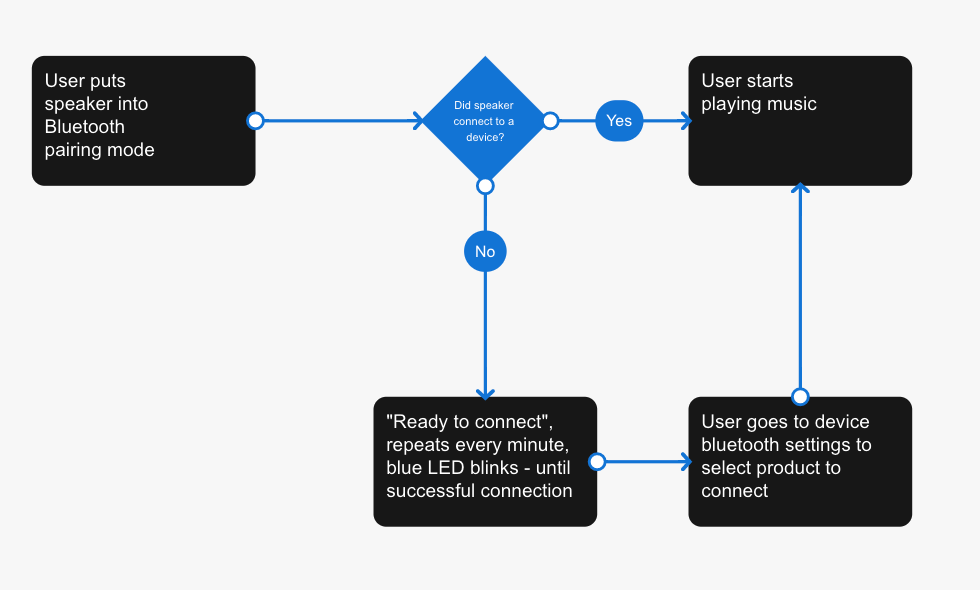
Initial Logic Flows
Speaker Linking
A major update from the first generation of SoundLink products was to allow for fewer steps and easier access to linking two compatible Bose BT speakers together. To dive into the design process, click here!
Program changes…
Like any long program, priorities shift, new teams join, leaders change, and new features enter the chat. One of the key changes for this speaker was an original ask was have a dedicated button on the speaker to make it easier to link to BT speakers together. About 6 months prior to launch, we were asked to change the dedicate linking button to a multifunction button. Introducing, the Shortcut button, a multifunctional and programmable button that users can personalize to their wants. The SoundLink Max gives users the option to make the Shortcut button quick access to speaker linking, switching to a wired AUX connection, or access Spotify Tap.
Screen Wrapup
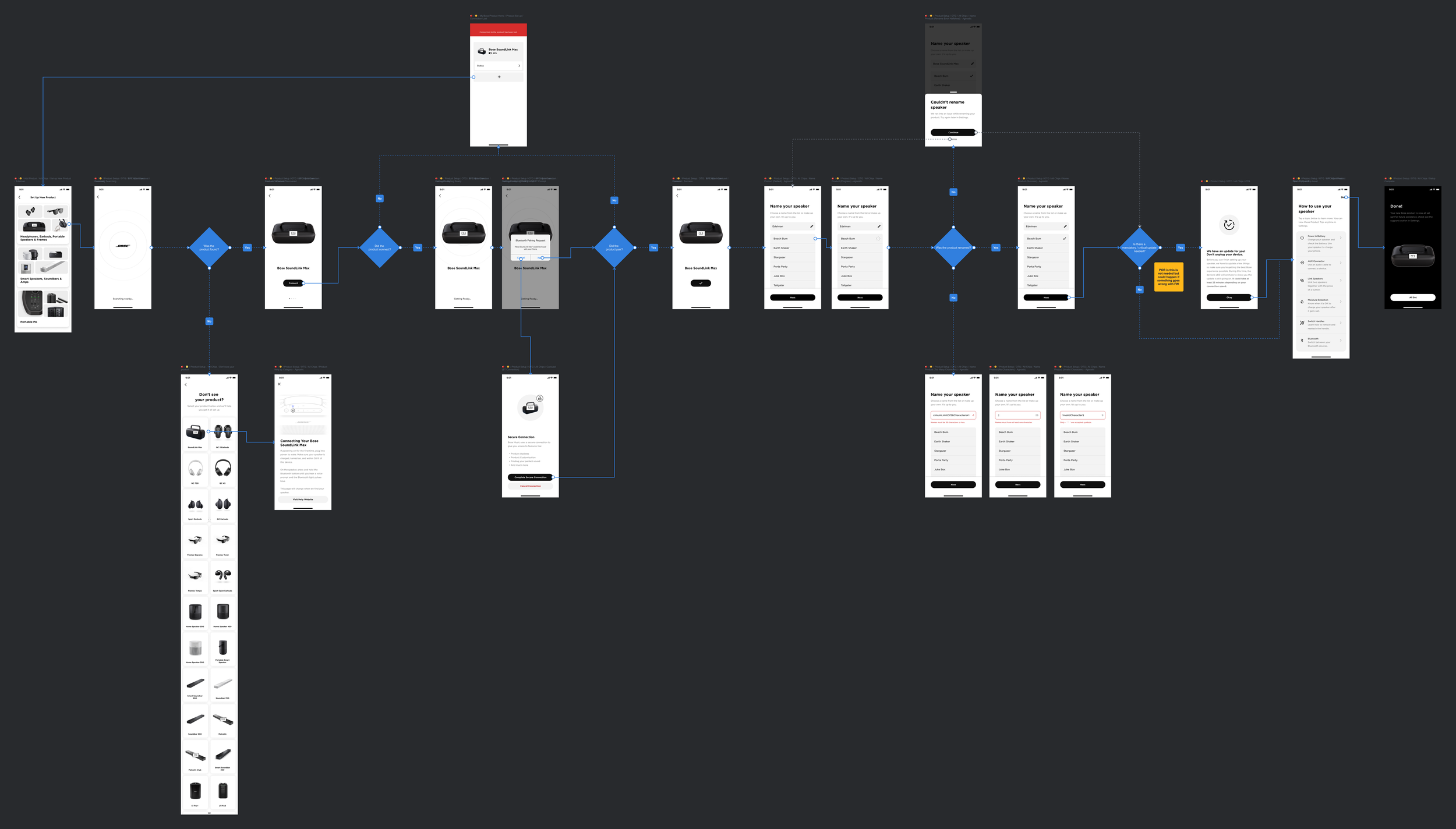
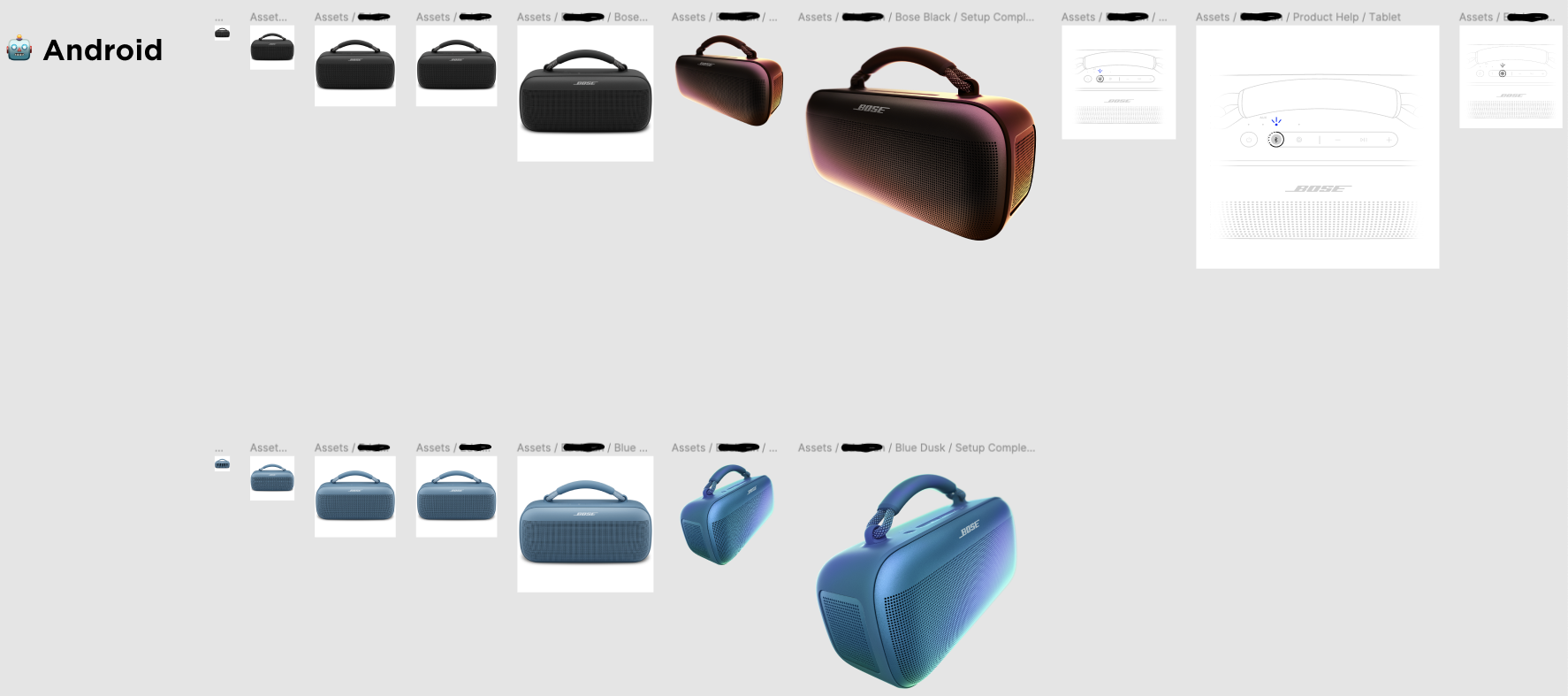
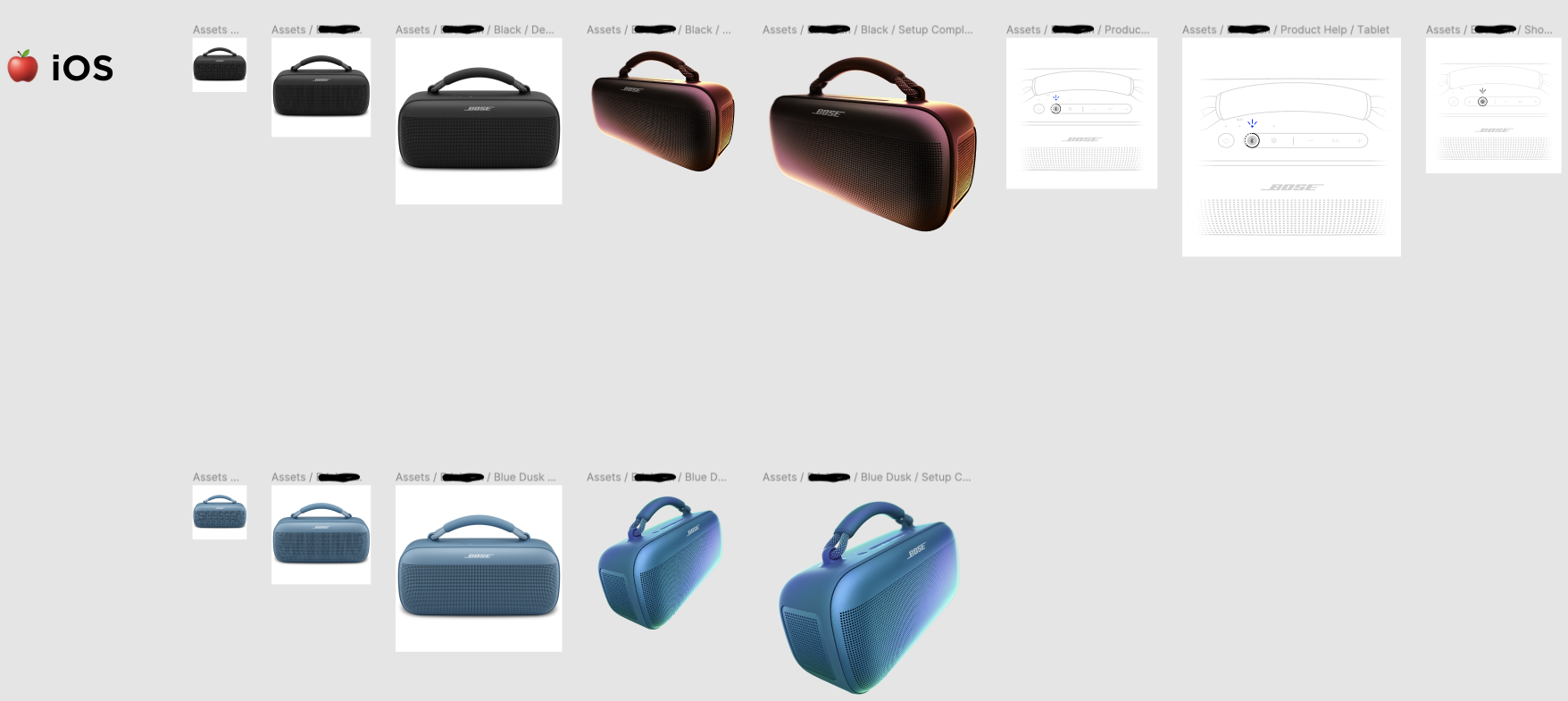
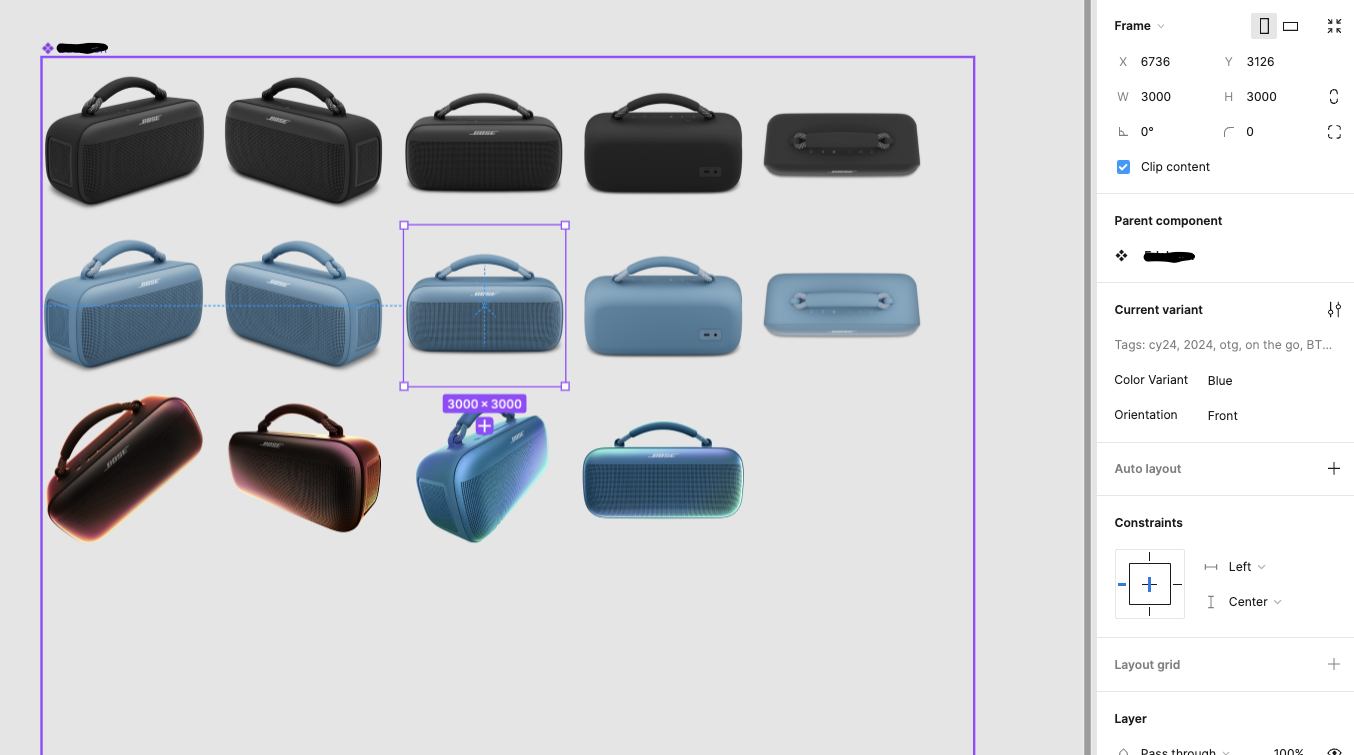
Working within Bose’s structured design system, I pulled all relevant screens for on-the-go product set ups and update product information (names, images, features, functions). Broken up and organized in Figma, we use files with different pages for each product dependent on the category: on-the-go or in-the-home. Within each page, we organize by device type the Bose app supports and can place final screens into a final logic flow that is handed off to developers.
Along with screen design and structure, I was responsible for outlining and collaborating with marketing and illustrators to build out our product asset library.
Final Screen Flow
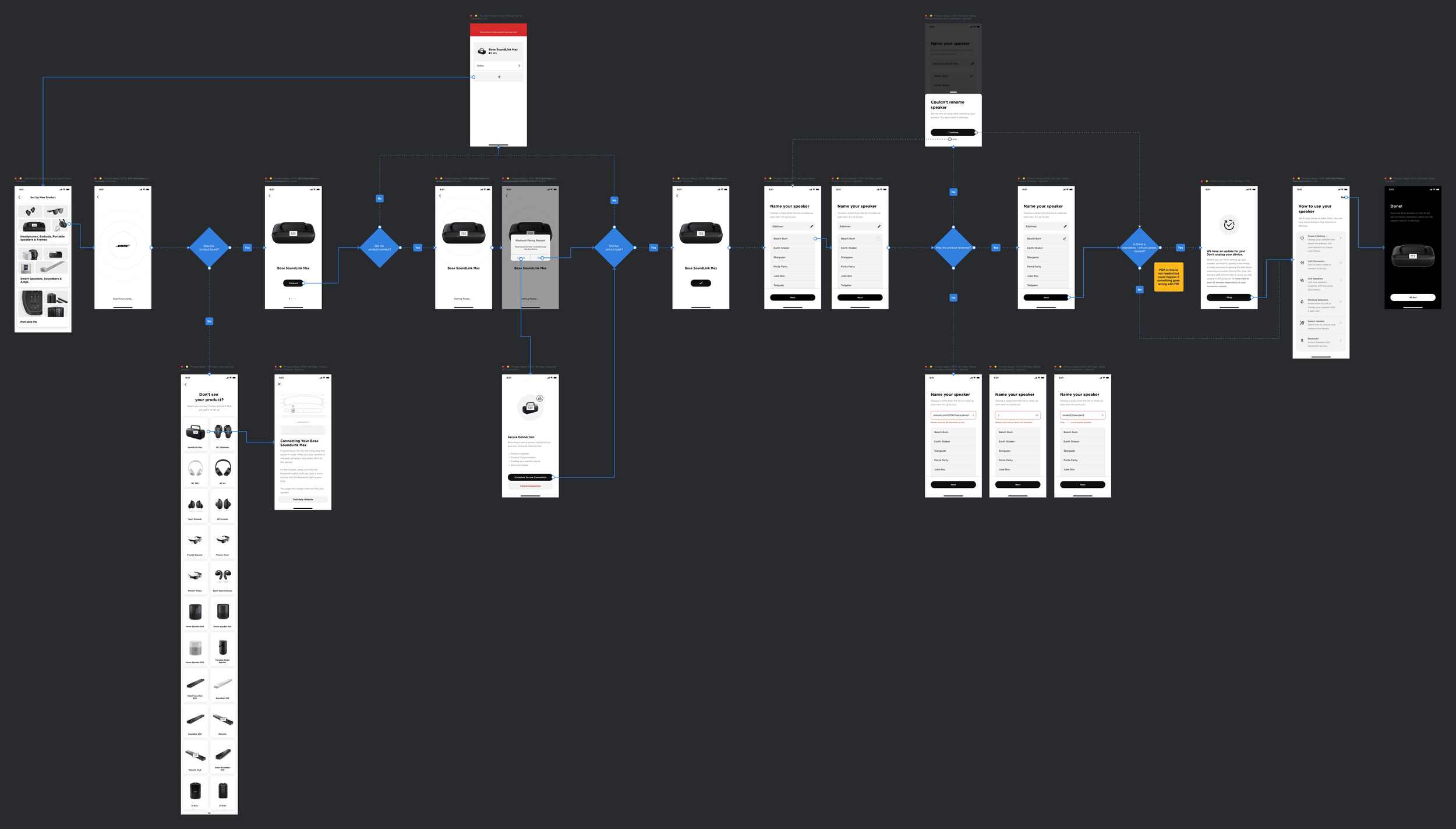
From there, I create and export a final flow diagram with all screens. These flows are key for conversations with stakeholders and engineers.
Final Product
Bose SoundLink Max launched in May of 2024 and has 4.8 stars and rave reviews.
Check it out here!